Basics of animation creation
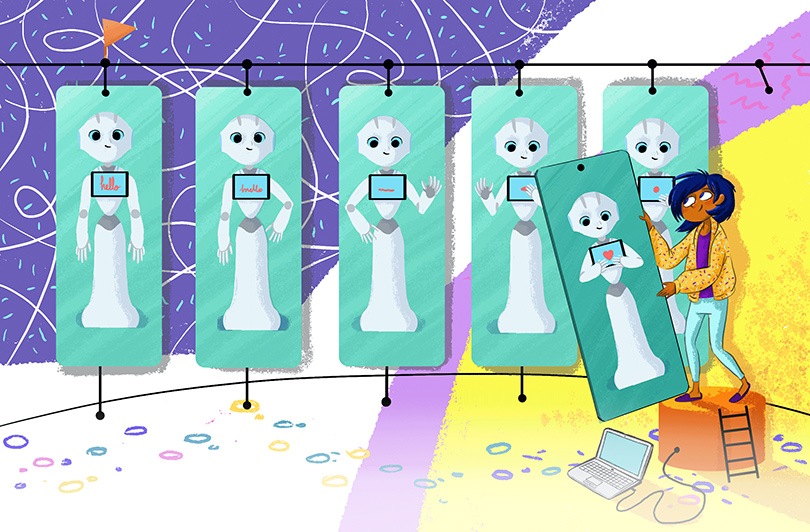
How to use Animation Editor to create a “Show Tablet” animation on Pepper
In this lesson, you’ll get to know the main features of the QiSDK tool Animation Editor and create an animation to make Pepper show the tablet to someone. In addition, you will find out about animation basic technics and vocabulary used by animators in their everyday work life.
What you will need
The Animation Editor installed, either on the stand-alone edition or via the integrated Android Studio plug-in.
What you will learn
You will learn a few functionalities of the Animation Editor and know more about how to make a good looking animation. * Animation Editor main features [Animation Editor] * Timeline/Dopesheet and Curves [Animation Editor] * 3D view [Animation Editor] * Create a new animation file [Animation Editor] * Animation Basics [Animation] * Breakdown [Animation] * Timing [Animation] * Slow out [Animation] * In between [Animation] * Overlap and Follow through [Animation] * Desynchronization [Animation] * Merging animation with other assets [Animation]
Applicable Use Cases
Here are some other use cases you will be able to cover with a “Show Tablet” animation : * Pepper needs to show a surroundings map on the tablet; * Pepper needs to show an article on the tablet; * Pepper needs to show illustrations of the story Pepper tells * …
You could use an animation in any of those general use cases, but keep in mind this is a non-exhaustive list : * Pepper reacts to people in zone 2 * Pepper enters interaction/engagement: react to approach * Pepper reacts to a speech * Pepper reacts to tablet touch
Business typical Use Case : * Host * Brand Ambassador * Advisor * Sales Associate * Promoter * Service Provider * Survey Conductor * Entertainer